Work held together by spreadsheets
Critical processes run in files that only one person fully understands, with no history, validation or access control.
Software engineering studio
WATER AND WOOD ATELIER LIMITED designs, builds and maintains custom applications, web platforms and the integrations that connect them. The work is deliberately unhurried: clear structure, readable code, and systems that remain understandable years after release.

01 — Overview
The studio works on software that businesses depend on daily: the tool that schedules the work, the portal customers log into, the service that moves data between two systems that were never designed to speak to each other. These are not glamorous problems, but they decide whether an organisation runs smoothly.
Every engagement begins with understanding the actual process before any interface is drawn. What a team does today, where information is re-entered by hand, which exceptions break the rules — these details shape the architecture far more than any technology preference.
The name reflects two working values rather than a material. Water: adapting to the shape of the problem instead of forcing a template onto it. Wood: structure, grain and durability, built to be worked on again later by someone else.
The studio remains deliberately small in scope per project, so that the people writing the code are the people who understand the requirements, and decisions do not lose their reasoning as they travel through layers of process.
02 — Capabilities
Server-rendered and single-page web applications, background processing, scheduled jobs and long-running workflows.
HTTP and event-based interfaces with explicit contracts, versioning strategy, validation and predictable error semantics.
Relational schema design, migrations, reporting structures and the query work required to keep them responsive as volume grows.
Component libraries, design tokens, state management and accessible interaction patterns that scale beyond a single screen.
Environment configuration, container images, continuous integration, automated deployment and rollback paths.
Structured logging, metrics, alerting thresholds and traces that make production behaviour legible rather than guessed at.
03 — Services
Engagements range from a single well-defined build to continuous work alongside an internal team. The full explanation of each service, the business need it addresses and the work it typically involves is set out on the services page.
04 — Problems
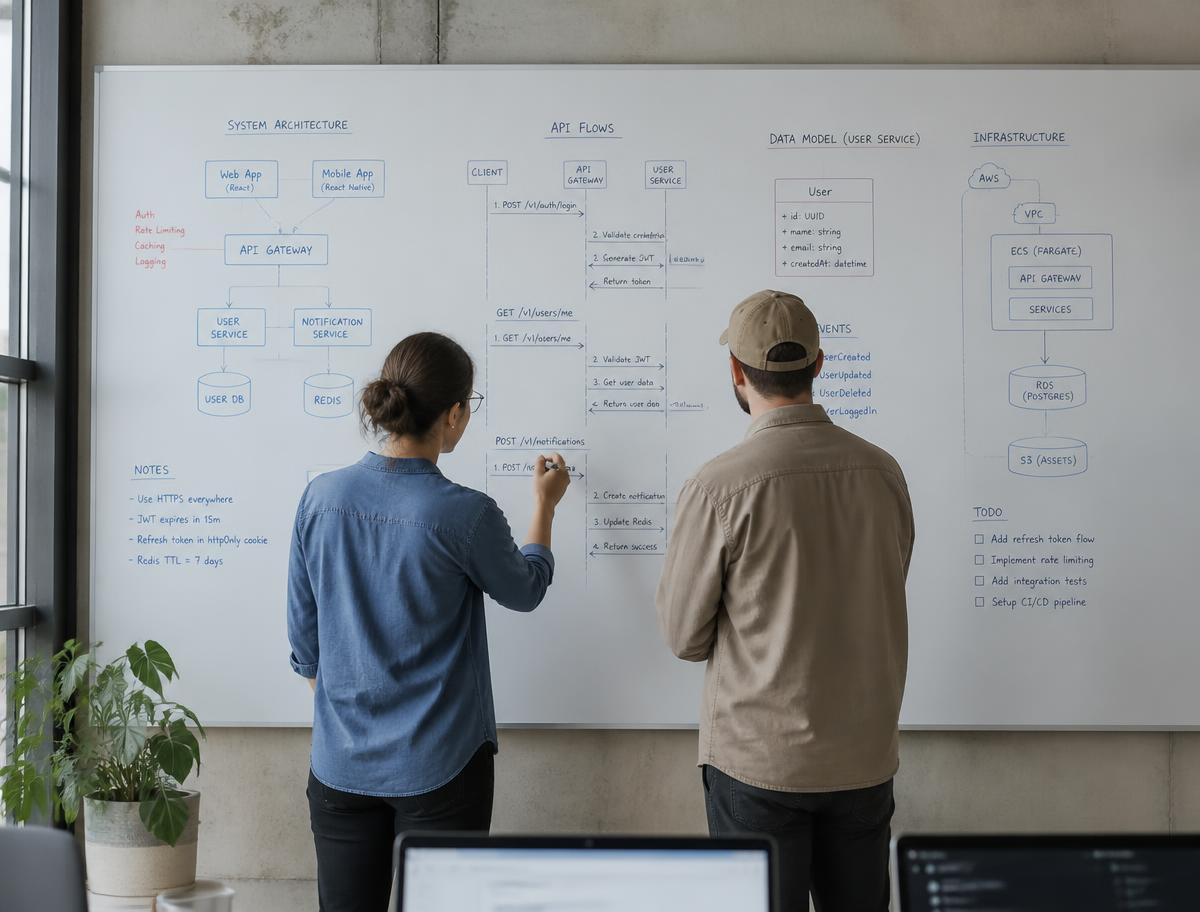
Most requests arrive described as a technology problem. Underneath, they are usually one of a small number of operational failures.
Critical processes run in files that only one person fully understands, with no history, validation or access control.
Information is retyped between tools, creating delay, duplication and disagreement about which record is correct.
The codebase works, but every modification risks breaking something invisible, so improvements stop happening.
Staff need training to complete routine tasks because the screens follow the database rather than the workflow.
Infrastructure or licensing grows faster than usage because nothing was sized, measured or reviewed.
Failures are reported by users rather than detected by monitoring, and root causes are reconstructed from memory.
05 — Delivery
Stages are sequential but not rigid. Findings from later stages routinely send work back to an earlier one, and that is treated as normal rather than as failure.
Stage 1
A written description of the problem, its context and any constraints already known.
Stage 2
Review of the current process, existing systems, data shapes and the people affected.
Stage 3
Scope, architecture outline, sequencing and the acceptance conditions for the first stage.
Stage 4
Implementation in reviewable increments, with automated tests written alongside the code.
Stage 5
Functional review, accessibility and performance checks, and correction before release.
Stage 6
Deployment, monitoring, documentation and the maintenance rhythm that follows release.
06 — Principles
07 — Non-functional work
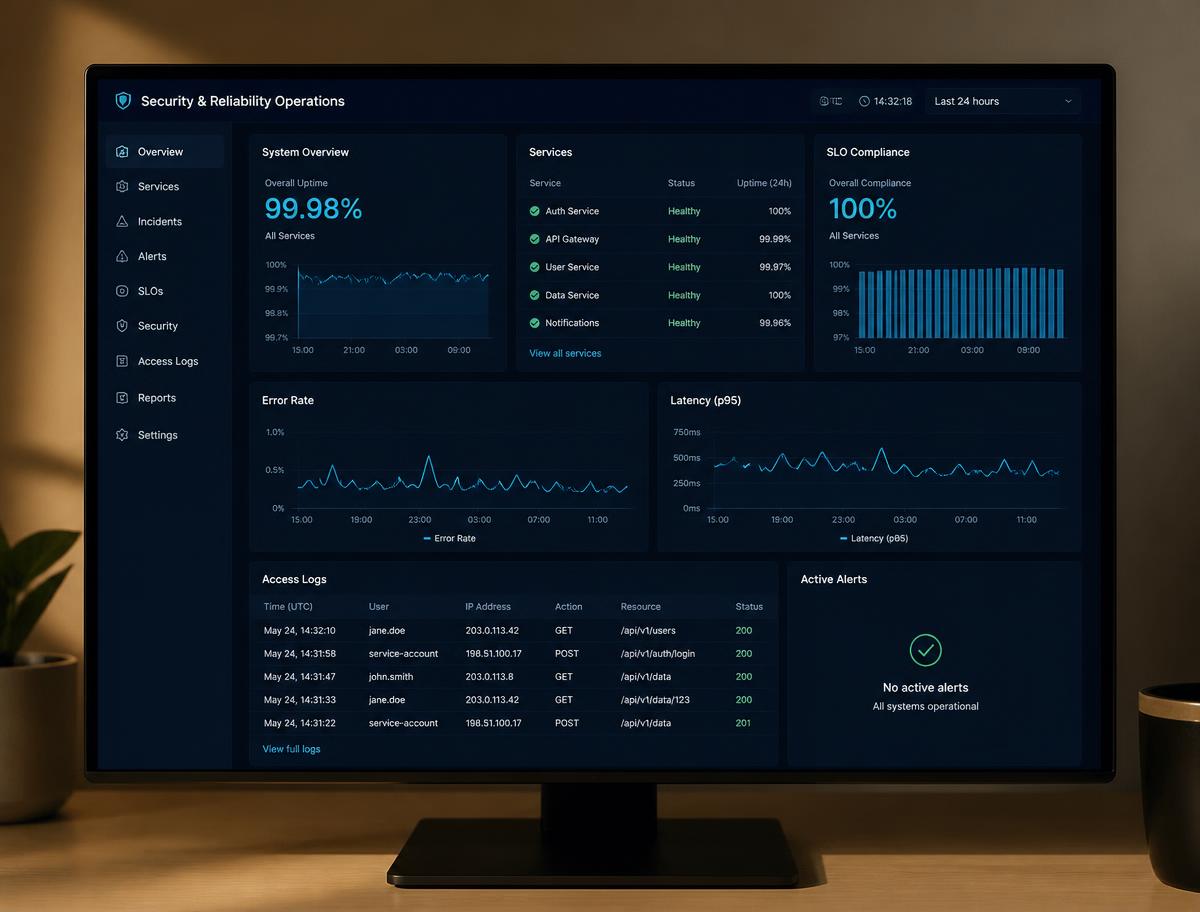
These qualities are treated as part of the build rather than as a review at the end, because retrofitting any of them is consistently more expensive than designing for them.
Security
Least-privilege access, validated input at every boundary, secrets kept outside source control, and dependencies tracked for known vulnerabilities.
Reliability
Defined failure behaviour, retries with limits, backups that are restored in practice, and deployment paths that can be reversed.
Accessibility
Semantic markup, keyboard operability, visible focus, sufficient contrast and content that does not depend on colour alone.
Performance
Budgets agreed early, measured against realistic data volumes, with queries and payloads examined before hardware is added.
08 — Contexts
The studio does not claim sector specialisation or name organisations it has worked with. What follows describes the kinds of situations where this approach tends to fit well.
Where scheduling, inventory, logistics or field work is coordinated across several tools.
Where client records, documents and billing information must stay consistent and auditable.
Where an early version proved the idea and the codebase now needs structure to grow.
Where access control, retention rules and traceability shape what may be built.
Where structured data collection and reporting matter more than visual novelty.
Where several teams share infrastructure, component libraries or common services.
09 — Considerations
You correspond with the people writing the software. Requirements are not relayed through account management, and technical trade-offs are explained in ordinary language.
Architectural decisions, alternatives considered and their consequences are recorded, so future maintainers inherit the reasoning and not only the result.
Code, infrastructure definitions and documentation belong to you. The work is structured so another team could continue it without renegotiation.
Where a requirement is uncertain, it is called uncertain. Estimates carry their assumptions, and unsupported guarantees are not offered.
Dependencies are added when they solve a real problem. Fewer moving parts means fewer upgrade paths to maintain later.
Software is treated as something that lives. Monitoring, updates and small corrections are planned rather than improvised.
10 — Questions
11 — Company information
Enquiries about custom software, product design, integration or maintenance work are welcome in writing. A short description of the problem, the systems already in use and any fixed constraints is enough to start a useful conversation.
Website language: English. Correspondence is answered by email only.